
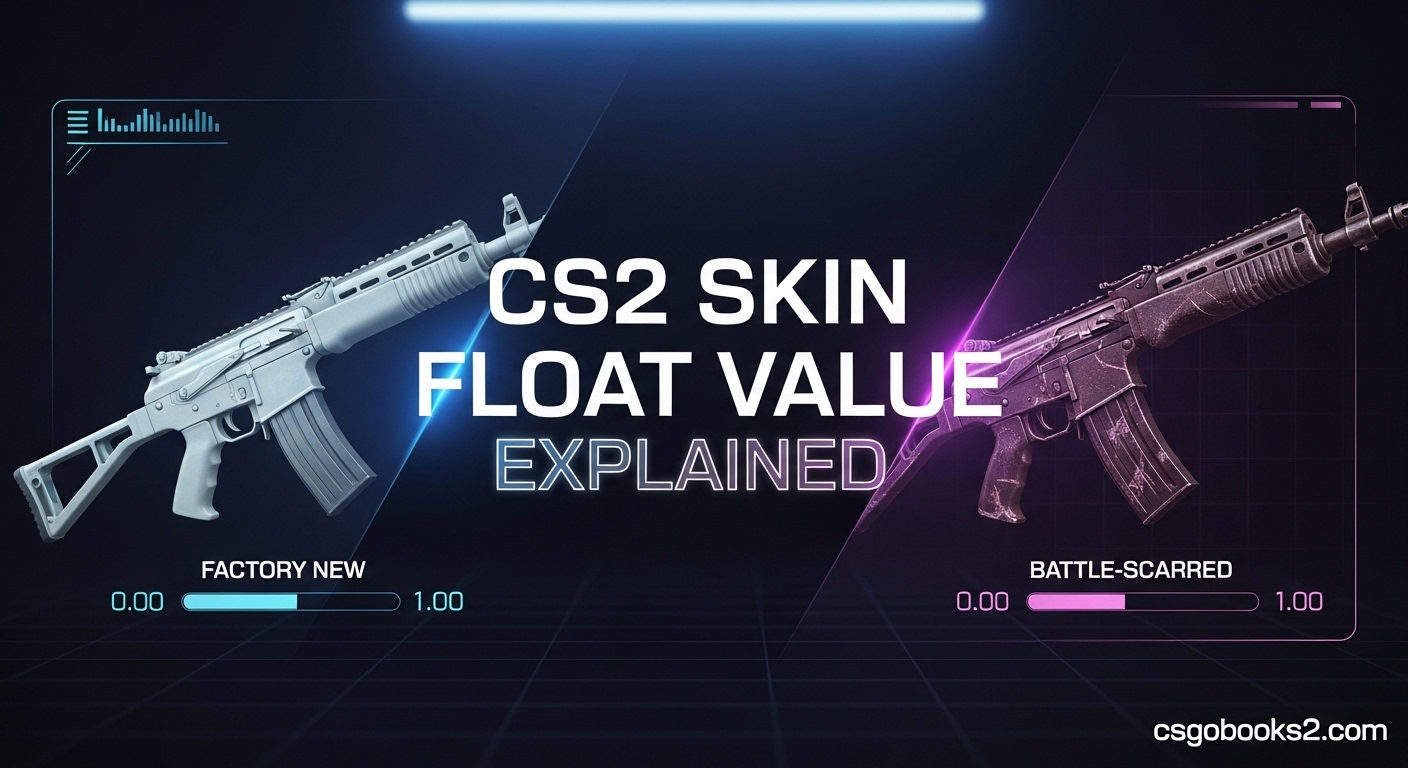
If you’ve been trading CS2 skins or just admiring your inventory, you’ve probably noticed that two skins with the same name and wear condition can look completely different. The reason? A hidden decimal number called float value. This tiny number between 0.00 and 1.00 controls exactly how your skin looks and determines its market value. Let me break down everything you need to know about CS2 skin float value.
What is Float Value in CS2?
Float value is a permanent decimal number between 0.00 and 1.00 that gets assigned to every CS2 skin when it’s created. This number determines how worn the skin appears and which condition category it falls into. Think of it like a car’s mileage – lower numbers mean better condition, while higher numbers show more wear and tear.
Unlike actual mileage though, float values never change. Once a skin is unboxed or dropped from a match, its float is set permanently. You can play 10,000 matches with a Factory New skin and it will never become more worn. This permanence is what makes float value so important for traders and collectors.
When CS2 generates a skin, it randomly selects a float value from the skin’s possible range. Some skins can exist across the entire 0.00-1.00 spectrum, while others are “float capped” and only appear in certain conditions. I’ve seen players shocked when they learn their favorite skin can never be found Factory New – it’s just not programmed to exist that way.
The float value controls where scratches, abrasions, and wear marks appear on your weapon. Lower floats show minimal wear, while higher floats display more obvious damage. This is why two Minimal Wear skins might look completely different – one could be 0.08 (nearly Factory New) while another is 0.14 (almost Field-Tested).
CS2 Skin Float Value Explained: The Five Wear Levels
Every CS2 skin falls into one of five exterior conditions based on its float value. These categories determine how the skin is displayed in your inventory and on the market. Understanding these ranges is crucial for accurate trading and valuing your inventory.
Factory New (FN): 0.00 – 0.07
Factory New skins are the cream of the crop. With floats from 0.00 to 0.07, these show almost no visible wear. Collectors go crazy for ultra-low floats like 0.001x because the skin looks practically perfect. I’ve seen FN skins with 0.06 float that still look clean, but they’re not nearly as impressive to serious collectors.
Minimal Wear (MW): 0.07 – 0.15
Minimal Wear occupies the 0.07 to 0.15 range. These skins show slight signs of use but still look excellent. The difference between 0.08 MW and 0.14 MW is noticeable – the lower float will appear much cleaner. This is where you’ll find “FN-low” MW skins that look almost Factory New but cost significantly less.
Field-Tested (FT): 0.15 – 0.38
Field-Tested skins range from 0.15 to 0.38 on the float scale. This is the middle ground where wear becomes clearly visible. At 0.16, a skin might still look decent, but by 0.37 you’re seeing obvious scratches and fading. FT is often the sweet spot for players who want good-looking skins without paying premium prices.
Well-Worn (WW): 0.38 – 0.45
Well-Worn skins fall between 0.38 and 0.45. These show significant wear with faded colors and prominent scratches. While some players avoid WW skins entirely, certain designs actually look better with more wear – I’ve seen some Doppler phases that absolutely shine at higher floats.
Battle-Scarred (BS): 0.45 – 1.00
Battle-Scarred occupies the massive 0.45 to 1.00 range. These skins show heavy wear and can look quite rough. However, BS skins have their own collector community – the famous “Blackiimov” is a Battle-Scarred M4A4 Asiimov that’s actually worth more than Field-Tested versions due to its completely black appearance from maximum wear.
How Float Value Affects Skin Appearance?
Float value does more than just determine your skin’s category – it directly controls where and how much wear appears on the weapon. Scratches don’t randomly appear; their location and intensity are determined by a combination of float value and something called Pattern ID.
Lower float values reveal more of the skin’s original design with minimal interference. At 0.006, you’re seeing the skin almost exactly as the artist intended. As float increases, you’ll notice scratches appearing along edges, dark patches forming, and colors becoming dull or faded. The progression is gradual but noticeable when you compare skins side by side.
Different skin types wear differently. Custom Paint Job skins show obvious scratches and paint loss as float increases. But Patina and Gunsmith skins develop a worn, used look that can actually enhance the design. I’ve seen AK-47 Redlines that look more authentic at 0.40 FT than they do at 0.02 FN because the wear matches the weapon’s tactical aesthetic.
Pattern ID adds another layer of complexity. This separate value determines WHERE wear appears on the skin, while float determines HOW MUCH wear is visible. Two skins with identical float values can look completely different because their pattern IDs place scratches in different locations. This is why inspecting before buying is absolutely essential.
How to Check Float Value in CS2?
Checking your skin’s float value is straightforward once you know where to look. The most accurate method is directly in CS2 itself, and I’ll walk you through the exact process.
Step 1: Open CS2 and navigate to your inventory
Launch CS2 and click on the inventory icon in the main menu. This will display all your skins and items organized by weapon type.
Step 2: Select the skin you want to inspect
Find the skin you’re curious about and click on it once to select it. The selected skin will be highlighted in your inventory grid.
Step 3: Click the “Inspect” button
With the skin selected, look for the Inspect button (usually a magnifying glass icon) and click it. This will open the inspection view showing the skin in detail.
Step 4: Enable developer console (if needed)
In the inspection view, you’ll need to access the developer console to see the exact float value. If you haven’t already enabled the console, go to Settings > Game > Enable Developer Console.
Step 5: Type the inspection command
Open the console with the tilde key (~) and type “cl_weapon_debug_print” followed by the inspect command if you’re inspecting another player’s skin. For your own inventory, the float is displayed in the inspection panel itself.
Alternative: Online Float Checkers
If you want a quicker method without launching CS2, several online tools can check float values. Websites like CSFloat and CSGOexchange allow you to inspect skins using inspect links. Just copy an inspect link from a trade or market listing and paste it into these sites for detailed float information.
Float Value and Pricing: What You Need to Know
Float value directly impacts skin prices, but not always in the ways you might expect. Lower float generally means higher value, but there are important exceptions and nuances every trader should understand.
For most common and low-tier skins, float has minimal price impact. A P250 Sand Dune at 0.01 FN costs nearly the same as one at 0.06 FN. The float difference exists, but nobody cares enough to pay extra. But when you’re dealing with knives, gloves, or rare skins, float becomes absolutely critical.
On premium items, even tiny float differences can mean massive price gaps. I’ve seen two identical Butterfly Knives where one at 0.03 FN sold for $400 more than one at 0.06 FN. Collectors chase those ultra-low floats, and they’re willing to pay substantial premiums for “perfect” skins.
High float values can also increase value in specific cases. The Blackiimov phenomenon shows that sometimes MORE wear equals MORE money. Certain Doppler phases look better with more wear, and some collectors specifically seek out 0.99x “triple max” floats for bragging rights. Float isn’t just about lowest being best – it’s about what the community values for that specific skin.
When trading, always check float before agreeing to any deal. A seemingly fair trade might be completely unbalanced once you realize one item is 0.02 MW while the other is 0.14 MW. Experienced traders will try to take advantage of float differences, so knowing your numbers protects you from bad deals.
When Float Value Matters? (And When It Doesn’t)
After trading CS2 skins for years, I’ve learned that float obsession can be taken too far. For everyday players just wanting nice-looking skins, chasing 0.001 floats is usually a waste of money. The visual difference between 0.08 MW and 0.03 FN is often negligible in actual gameplay.
Float matters most when you’re dealing with expensive items, rare collectibles, or skins where wear dramatically affects the design. If you’re spending over $50 on a skin, checking the float becomes worth your time. For budget skins under $5, you’re usually fine just going with the cheapest listing in your desired wear.
Pattern ID sometimes matters more than float. I’ve seen MW skins with amazing patterns sell for more than FN skins with boring layouts. The float is lower on the FN, but the pattern makes the MW more desirable. This is why you need to understand both systems to make smart purchasing decisions.
At the end of the day, buy what you like. If a 0.40 Field-Tested skin looks great to you and fits your budget, that’s what matters. Float value is a tool for understanding and valuing skins, not a rigid rule dictating what you should own. Some of my favorite skins are Well-Worn because the wear gives them character that Factory New versions lack.
FAQs
What is a good float value in CS2?
Lower float values are better for skin condition and appearance. Factory New ranges from 0.00-0.07, making anything under 0.03 excellent. Minimal Wear (0.07-0.15) is still very good. For collectors, 0.001 floats are highly prized on rare items. For playing, anything under 0.20 will look clean.
What is the float value of skins in CS2?
CS2 skin float values range from 0.00 to 1.00, with 0.00 being pristine condition and 1.00 being heavily worn. Each skin receives its permanent float when created through unboxing or drops. This decimal determines the skin’s exterior category and exactly how much wear appears on the weapon.
Is 0.15 float good?
0.15 is exactly at the boundary between Minimal Wear and Field-Tested. As a Minimal Wear skin, 0.15 is acceptable but not ideal. As a Field-Tested skin, 0.15 is excellent. A 0.15 MW will look significantly better than a 0.15 FT, showing why the category matters alongside the specific float number.
Is 0.01 a good float?
0.01 is an excellent float value, placing the skin in Factory New condition with minimal visible wear. For most skins, 0.01 looks nearly perfect. Collectors might prefer even lower floats like 0.001 on expensive items, but 0.01 is more than sufficient for players wanting clean-looking skins.
Can you change float value in CS2?
No, float values are permanent and unchangeable. Once a skin is created, its float is set forever. Playing with skins, trading them, or storing them in your inventory has no effect on float. This permanence is what makes float a reliable measure of skin condition and value.
Final Thoughts on CS2 Skin Float Value
Understanding CS2 skin float value explained the difference between confusion and confidence in my trading journey. What seemed like random numbers actually forms a logical system that controls skin appearance and value. Once you grasp the 0.00-1.00 scale and how it maps to the five wear conditions, the whole skin market makes more sense.
Whether you’re a collector chasing 0.000x floats or a budget player looking for the best value, knowing your float values protects you from bad trades and helps you make informed purchases. The key is understanding when float matters and when other factors like pattern ID or personal preference should take priority.
The next time you’re browsing the market or inspecting a trade offer, take a moment to check the float. That tiny decimal number might just reveal something important about the skin you’re considering. Armed with this knowledge, you’re now better equipped to navigate the CS2 skin market with confidence.